Creating Your Own DNS-Level Ad-Blocker
adblocker dns dnsmasq
I build ads for a living. I love good ads. I keep those relevant, non- intrusive and safe. This is not just about blocking ads- its about making our Internet connection safer.

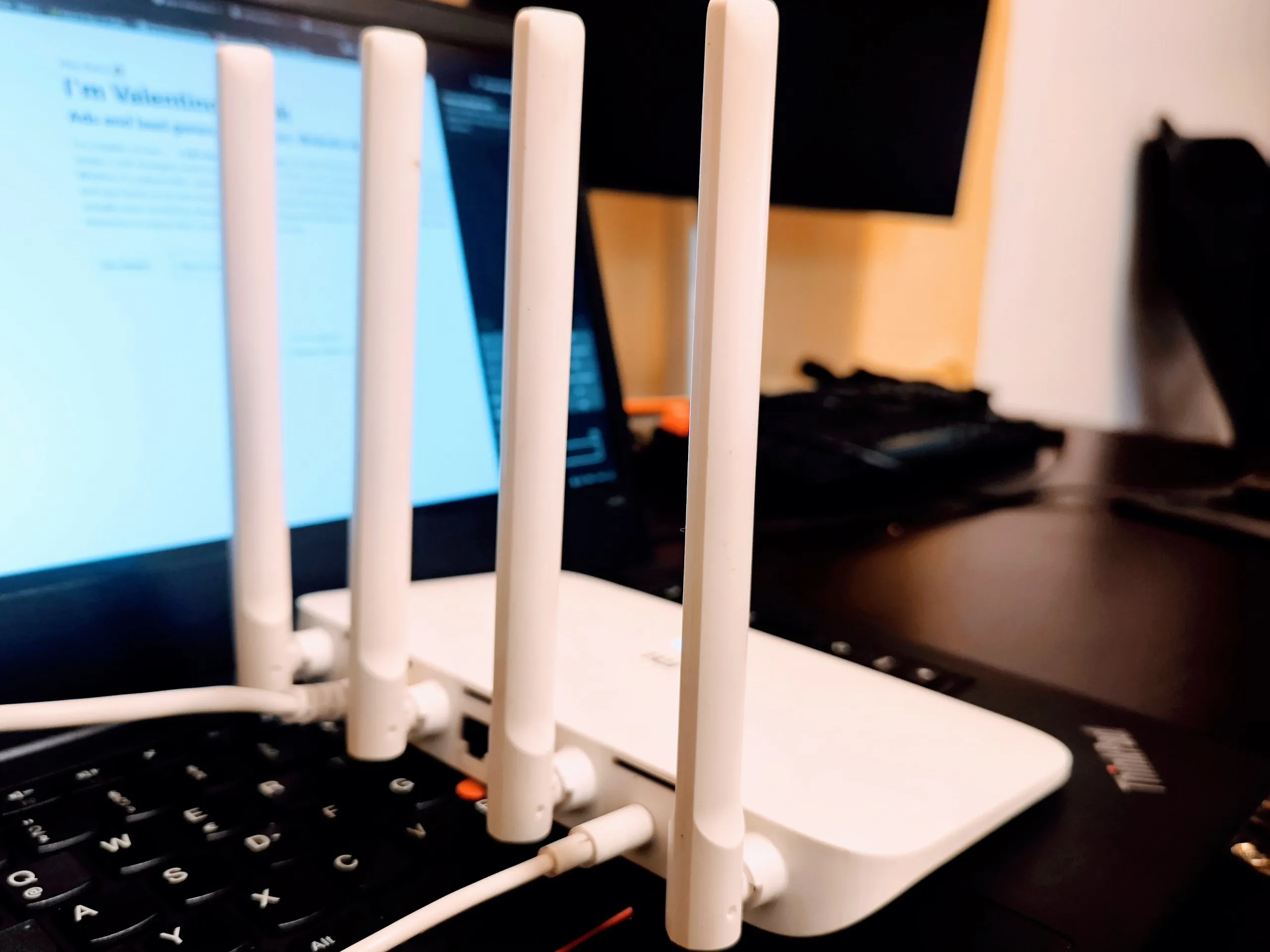
A dusty Xiaomi Mi Router 4A Gigabit was lying in a drawer. One Google search later I discovered it can run OpenWrt, the open-source firmware that turns cheap consumer routers into professional tool worth 10x more.
I flashed it, set it up as a wireless repeater (it grabs internet from my main router over Wi-Fi and re-broadcasts a cleaner version), and then did the thing I’m actually proud of:
I built my own dns-level ad blocker that lives entirely inside the router.
No browser extensions.
No Pi-hole box.
No subscription.
Just dnsmasq + one tiny blocklist + two lines of cron.
Here’s exactly what I ended up with (copy-paste ready if you ever want the same). It’s really important to use conf-dir=/etc/dnsmasq.d/ dnsmasq deamon sometimes hangs on this setup wihtout it. Even if you dont have any config there its important to keep that line.
/etc/dnsmasq.conf – the brain
interface=br-lan
bind-interfaces
dhcp-range=192.168.2.100,192.168.2.249,255.255.255.0,24h
dhcp-leasefile=/tmp/dhcp.leases
dhcp-option=3,192.168.2.1
dhcp-option=6,192.168.2.1           # clients ask the router for DNS
server=94.140.14.14                # upstream = AdGuard1 (privacy + malware protection)
server=94.140.15.15                # upstream = AdGuard2 (privacy + malware protection)
cache-size=10000
min-cache-ttl=1800
conf-dir=/etc/dnsmasq.d/,*.conf     # magic line – loads our blocklist
log-queries                         # optional, but fun to watch
log-dhcp
The blocklist – 90 000 domains, 2.8 MB, updates itself
# One-time instant activation
wget -q -O /etc/dnsmasq.d/99-custom-blocklist.conf https://small.oisd.nl/dnsmasq2

# Daily refresh at 3:05 AM (adds itself only once)
grep -q "oisd.nl" /etc/crontabs/root || \
    echo "5 3 * * * wget -q -O /etc/dnsmasq.d/99-custom-blocklist.conf https://small.oisd.nl/dnsmasq2 && /etc/init.d/dnsmasq restart" >> /etc/crontabs/root

/etc/init.d/dnsmasq restart
That’s it. Seriously.
What actually happens now
Every phone, tablet, laptop, smart TV — anything that connects to this router — gets:
- Local instant block of ~90 000 ad/tracker domains (0 ms latency)
- Everything else resolved by AdGuard DNS (malware, phishing, telemetry protection)
- A fat DNS cache so YouTube and Instagram open like they’re installed locally
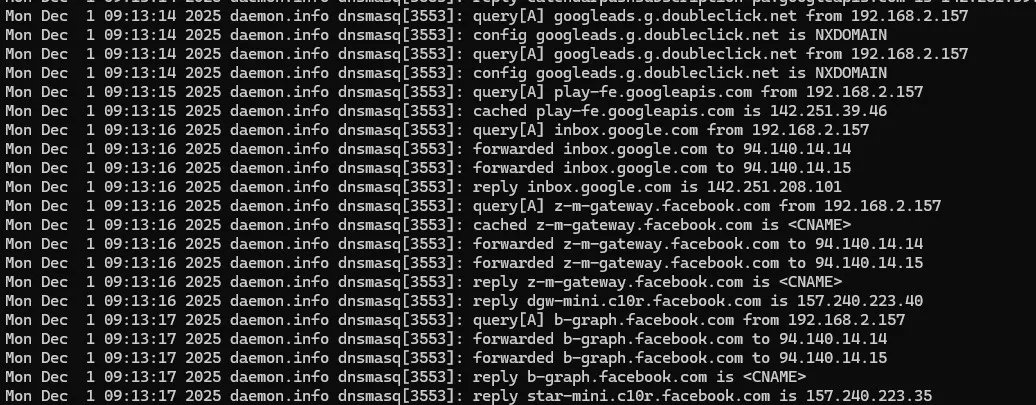
Run this and watch the carnage live:
logread -f | grep dnsmasqYou’ll see hundreds of lines per minute of ads dying with NXDOMAIN before they even leave your house.
The feeling
The first time I opened YouTube on my phone and there was… nothing. No pre-roll. No banner. No “skip in 5…4…”. Just the video.
That quiet is addictive.
And the whole thing runs on a ten-dollar router that idles at 3 watts.
Sometimes the best software isn’t an app.
Sometimes it’s just one config file and a cron job at 3:05 AM.
If you have an old router gathering dust, give it a weekend.
You’ll never look at the internet the same way again.